Study timer for Mac
locktfin is a study timer for Mac that helps you give reading, revision and problem-solving a focused session.
Pick the next piece of coursework. Give it a block of time. Keep a record of the sessions you complete.
Get locktfinmacOS 14+ · Buy once. Initial online activation required.
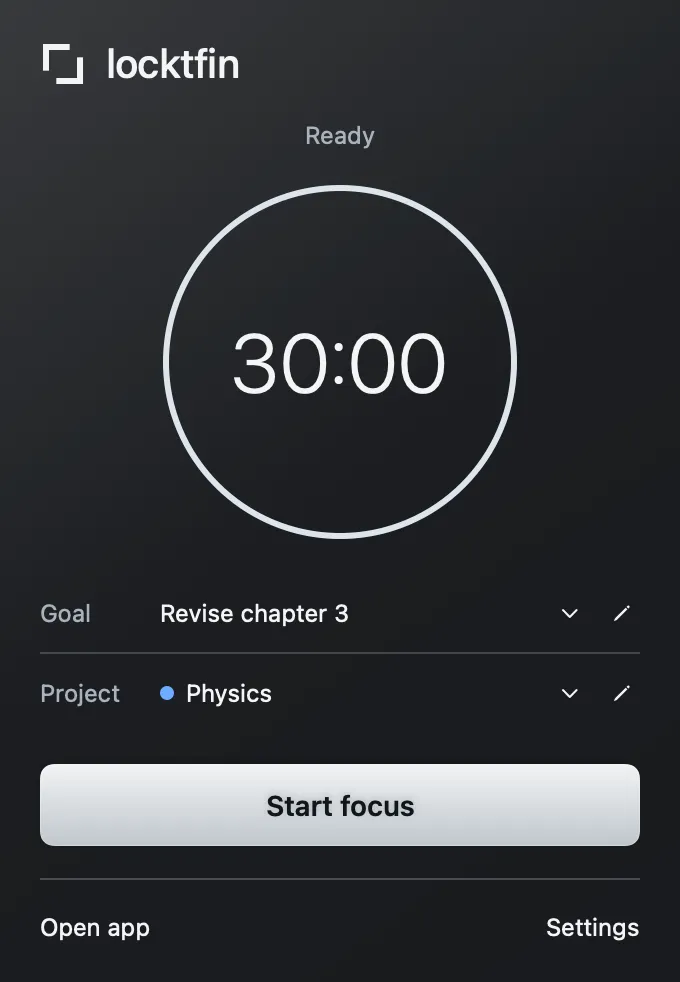
Give your next study block a clear goal
Choose a focus duration and start. Add a goal such as “Revise chapter 3” if it helps you get specific. Use a project for a subject or course, or leave both fields empty. Short and long breaks give the session a clear rhythm.
Get locktfin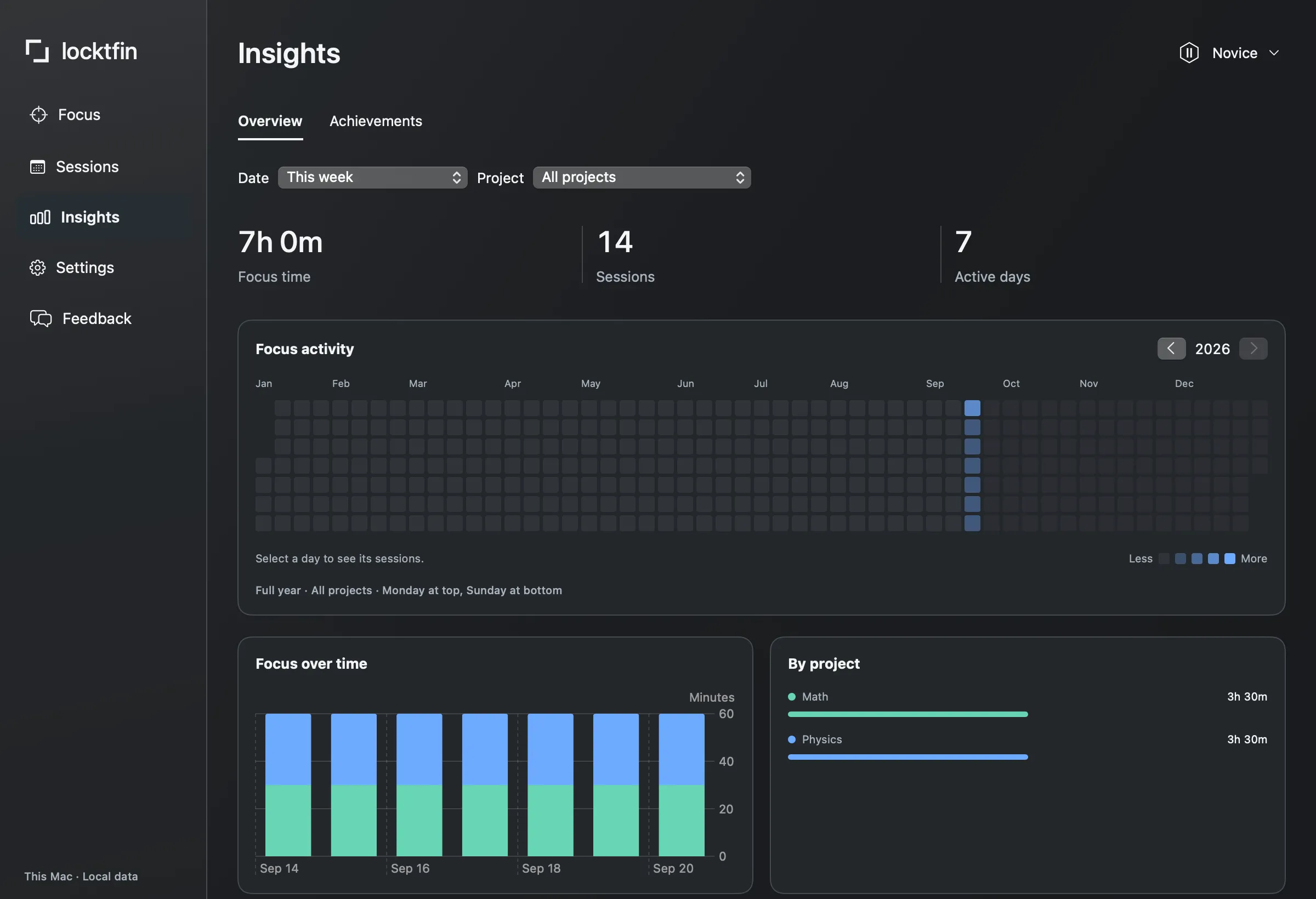
See your recorded study time by subject
Use projects to separate subjects, then review their recorded focus time in Insights. Sessions keeps individual records when you want the detail. Set an optional daily session target to give the day a manageable starting point. Recorded time shows the sessions you made time for, not how much you learned.
Get locktfinBefore you get locktfin
Can I use study sessions longer than 25 minutes?
Yes. Choose the focus duration before you start. You can also customize short and long breaks in Settings; those changes apply to new sessions.
Can I organize study time by subject?
Yes. Create a project for each subject or course and select it when starting a session. Insights shows recorded focus time by project. Goals and projects are optional.
Can I study with locktfin offline?
Yes, after initial online license activation. Your eligible version can run focus sessions and keep goals and history on your Mac without an internet connection.
Buy once, with one year of updates and continued use of your eligible version. Requires macOS 14 or later and initial online activation.
Get locktfin