Pomodoro timer with project tracking
locktfin is a Pomodoro timer with project tracking for Mac. Track focus time across your projects and see where your sessions went.
Choose a project before you start. See the time you gave it when you look back.
Get locktfinmacOS 14+ · Buy once. Initial online activation required.
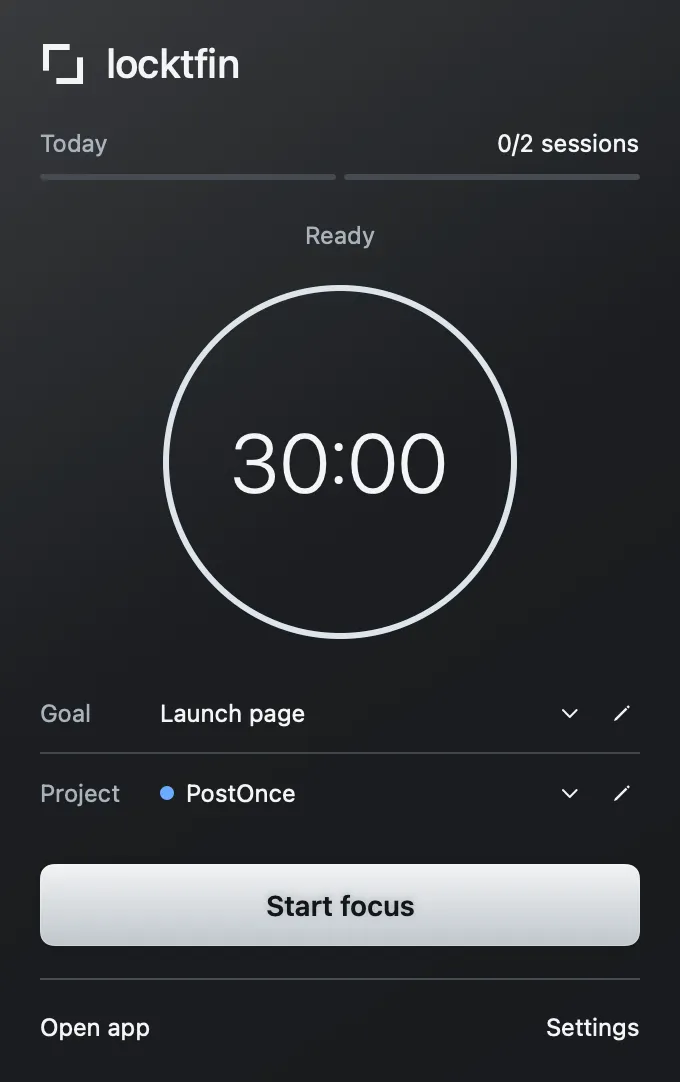
Give each focus session a project
Choose a colored project and an optional work goal before you start. Your session keeps that context in its local record. Goals and projects stay optional.
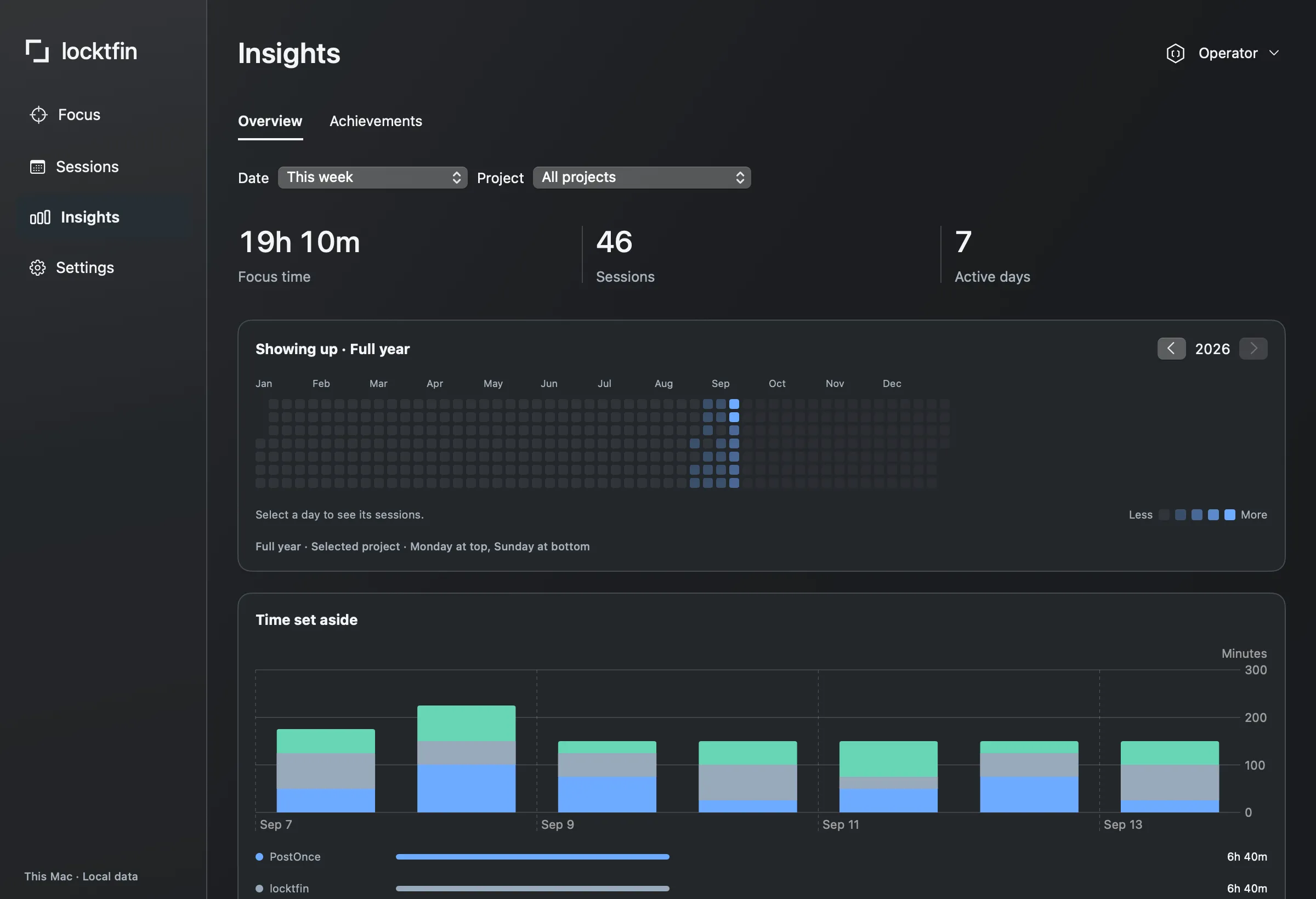
Get locktfinSee your focus time by project
Review recorded focus time by project in Insights. Sessions keeps the individual records behind the overview. The record shows time you logged, not an automatic measure of accomplishment.
Get locktfinBefore you get locktfin
Does locktfin automatically track apps or websites?
No. locktfin records the focus sessions you run and their selected project. It does not monitor which apps or websites you use.
What happens if I exceed a goal’s session estimate?
You can keep recording sessions. The estimate is a planning aid, not a limit. Mark the work goal done when the work is finished; completing a session does not automatically complete the goal.
Where is my project history stored?
Your goals, session history and settings are stored locally on your Mac. Review individual records in Sessions and recorded focus time by project in Insights.
Buy once, with one year of updates and continued use of your eligible version. Requires macOS 14 or later and initial online activation.
Get locktfin