Mac menu bar Pomodoro timer
locktfin is a Mac menu bar Pomodoro timer that keeps your next focus session a click away.
Choose what to work on. Start the timer. Get back to it.
Get locktfinmacOS 14+ · Buy once. Initial online activation required.
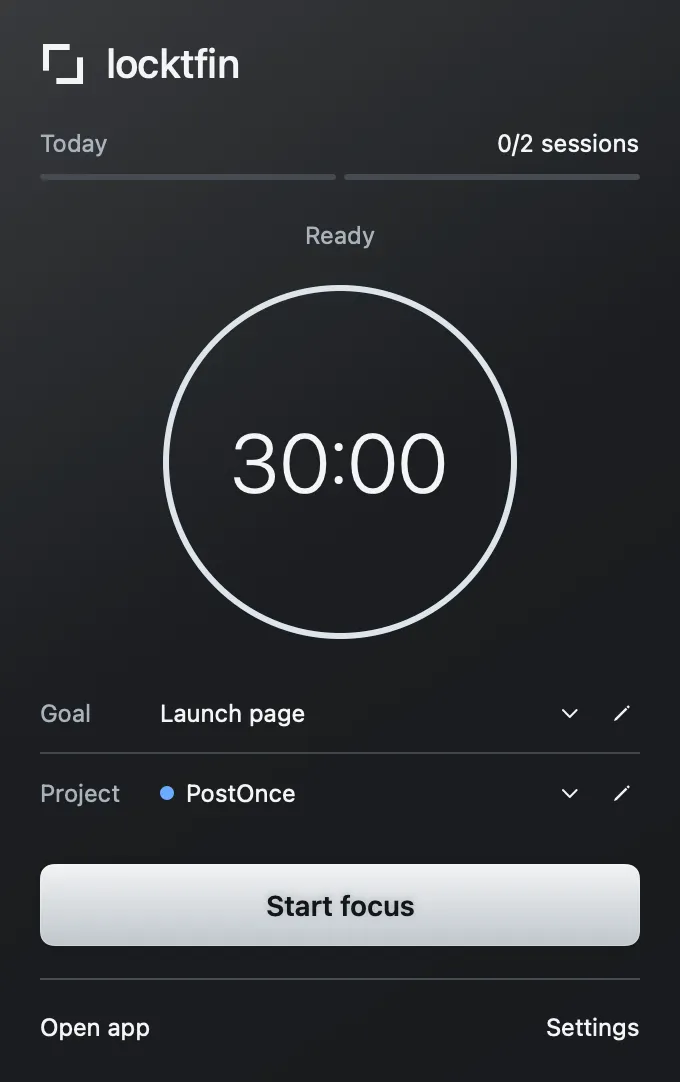
Start from your menu bar
Set a duration and start a focus session. Add a goal or project if they help, or leave them empty. Check your current session without opening the full app. The main Focus window shares the same timer.
Get locktfin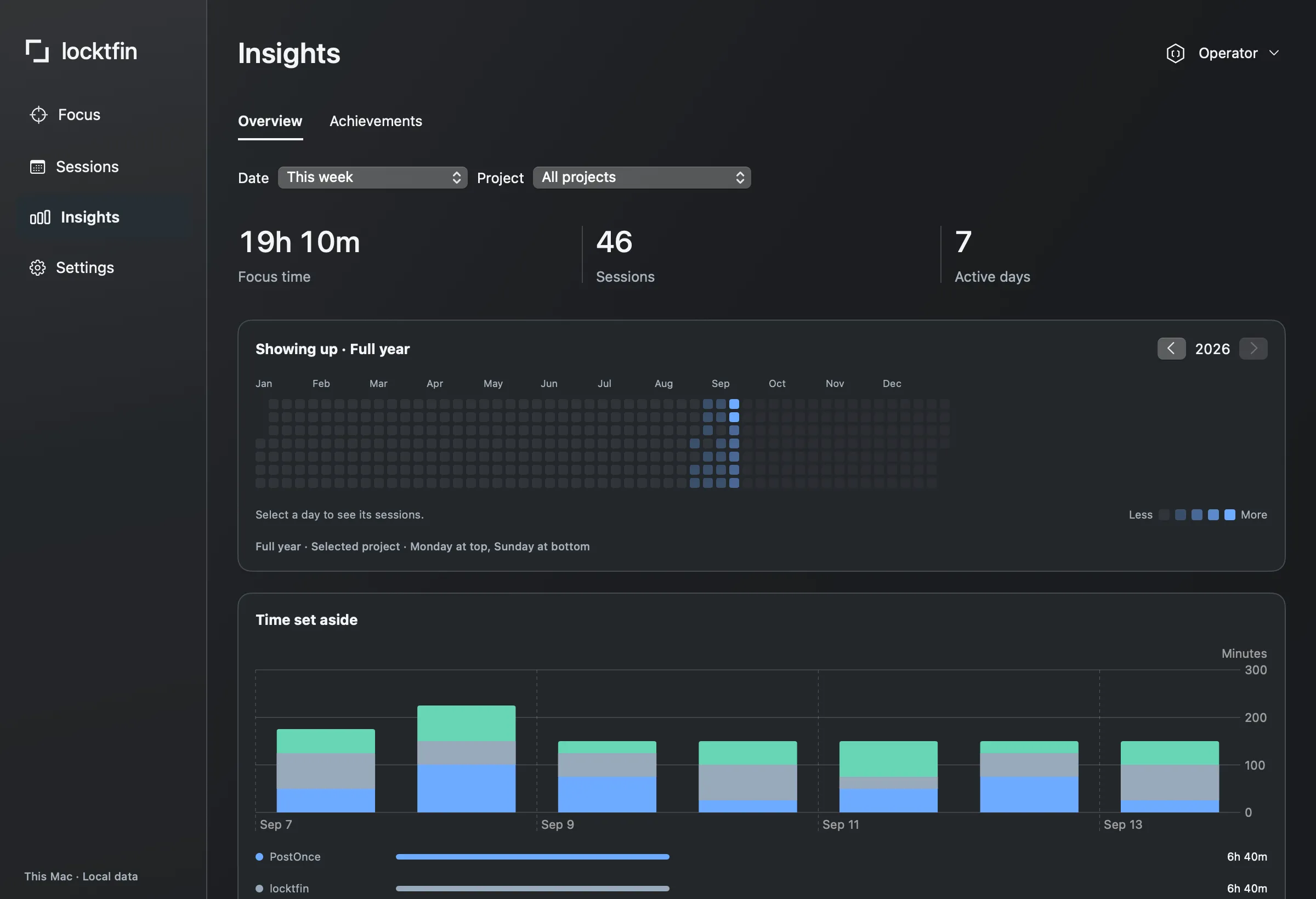
Review your focus sessions
Sessions keeps your individual records. Insights shows recorded focus time by project. Sessions started from the menu bar stay in your local history.
Get locktfinBefore you get locktfin
How do I use locktfin from my Mac menu bar?
Click the locktfin menu-bar icon to open the timer. Set a focus duration and choose Start focus. You can check the current session there without opening the main window; both views share one timer.
Can I change the focus-session duration?
Yes. Set the duration before starting a focus session. You do not have to use a fixed 25-minute session.
Do I need to create a goal or project?
No. Start a focus session without either. Add a goal or project when you want that context in your session history.
Buy once, with one year of updates and continued use of your eligible version. Requires macOS 14 or later and initial online activation.
Get locktfin