Minimal Pomodoro timer for Mac
locktfin is a minimal Pomodoro timer for Mac that lets you start a focus session without setting up goals or projects.
Set a duration. Start focus. Add more context only when you want it.
Get locktfinmacOS 14+ · Buy once. Initial online activation required.
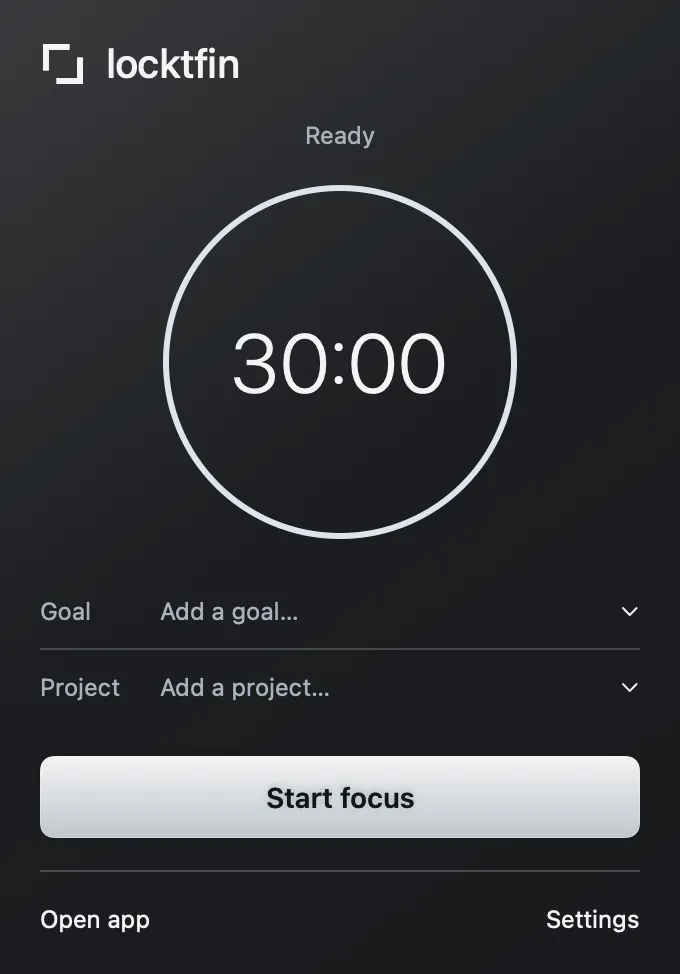
Start a session with only a duration
You do not need a task list, project or daily target to begin. Choose your focus duration and start from the menu bar. The main Focus window shares the same timer, so opening it does not start a second session.
Get locktfinAdd context when it helps
Keep using your existing task list. If a particular piece of work needs a name, add an optional goal or project to the next session. Your recorded sessions stay available in local history, whether or not you gave them extra context.
Get locktfinBefore you get locktfin
Do I have to create a goal or project?
No. Leave both empty and start a focus session. Daily session targets are optional too.
Does locktfin require a subscription?
No. Buy once for your eligible version, with one year of updates included. You can keep using that version afterward; later updates are optional purchases.
Where is my session history stored?
Your goals, session history and settings are stored locally on your Mac. Initial license activation requires internet access. If you connect an assistant through MCP, the records it reads may be sent to its provider.
Buy once, with one year of updates and continued use of your eligible version. Requires macOS 14 or later and initial online activation.
Get locktfin