Pomodoro timer for developers
locktfin is a Pomodoro timer for developers on Mac who want to give coding work a clear session and keep a record of their focus time.
Name the next debugging or refactoring task. Choose a duration. Keep the timer close while you work.
Get locktfinmacOS 14+ · Buy once. Initial online activation required.
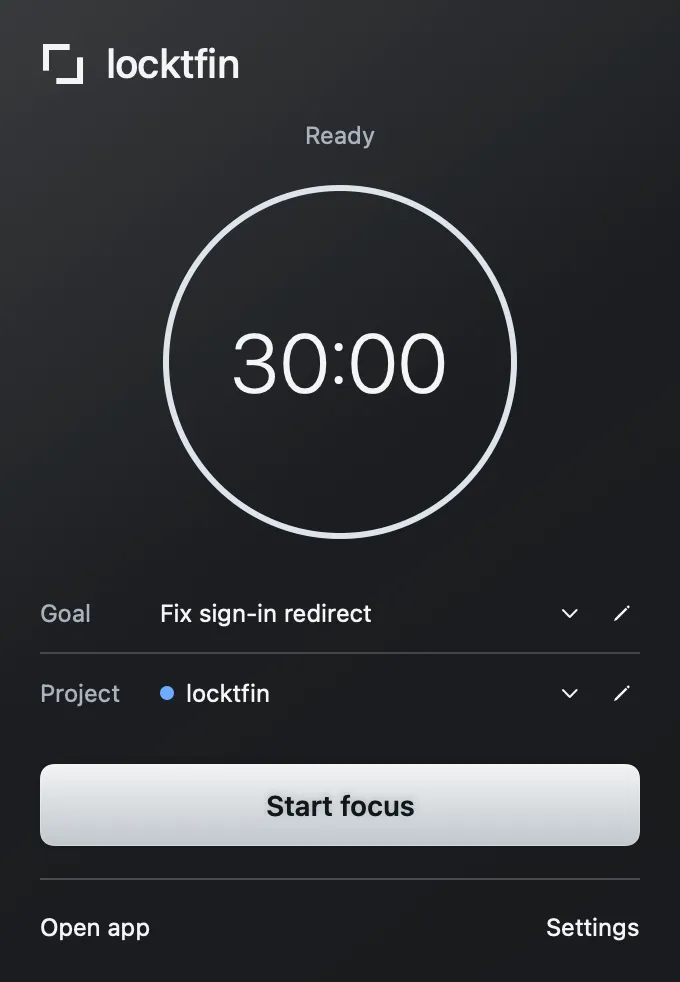
Give one coding task your next session
Add an optional goal such as “Fix sign-in redirect” and choose a project before you start. Set the duration to suit the work block rather than defaulting to 25 minutes. The menu-bar timer stays close while your editor stays open.
Get locktfin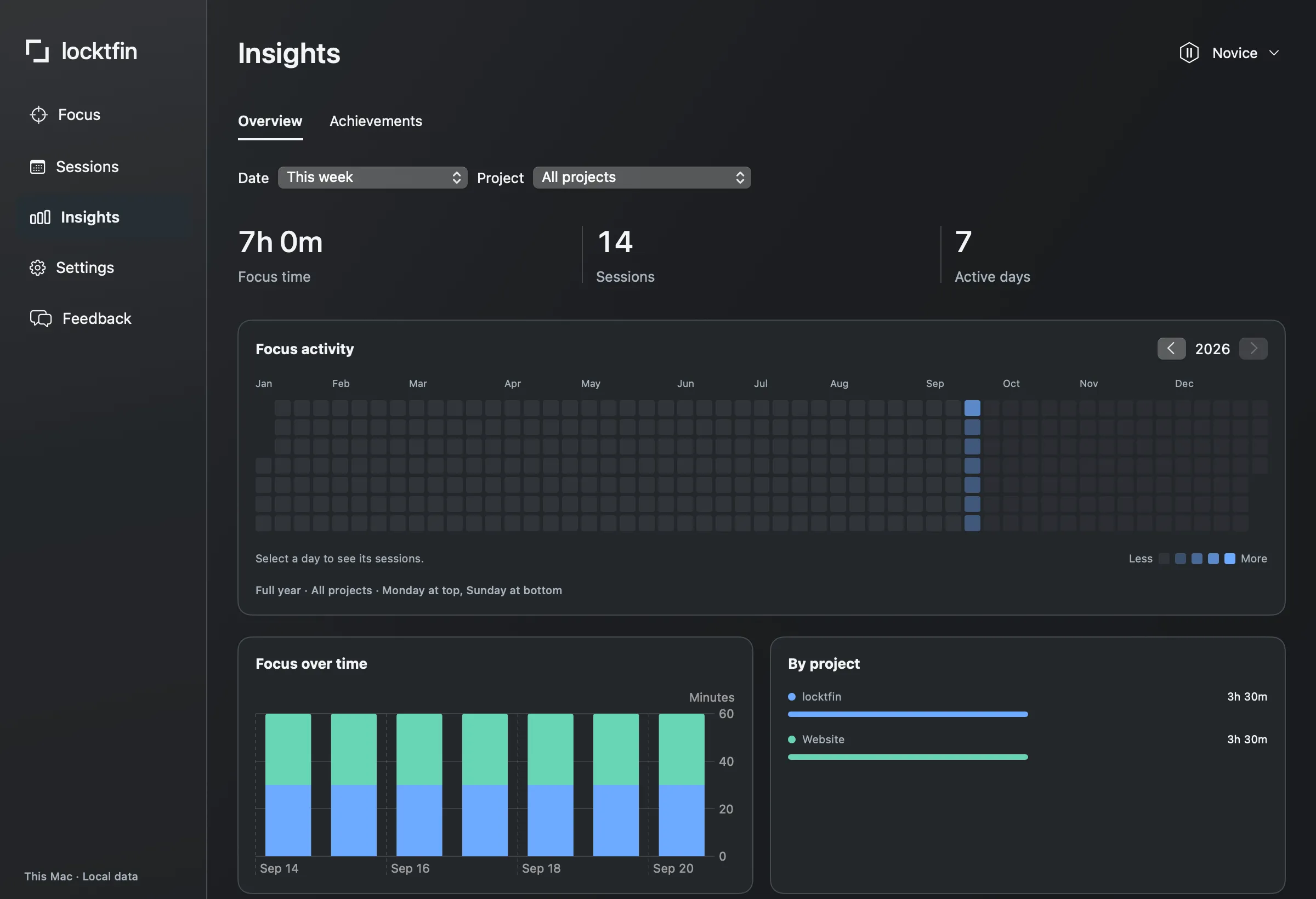
Review focus time across your projects
Select projects yourself and compare their recorded focus time in Insights. Session history gives you the detail behind those totals. A compatible assistant can also read available timer and session context through the optional MCP connection. You choose what to connect; its provider may receive the records it reads.
Get locktfinBefore you get locktfin
Do coding sessions have to be 25 minutes?
No. Set the duration before starting a session. Break durations are customizable too. A longer session records a longer work block; it does not measure code quality or guarantee uninterrupted focus.
Does locktfin automatically track my editor or repository?
No. locktfin records the sessions you start and the goal or project you select. It does not monitor your editor, inspect repositories or sync issues from a task tracker.
Can an assistant start or stop my timer through MCP?
No. The four MCP tools are read-only. A connected assistant can read available timer, session and non-sensitive settings data. A read may reconcile a timer that has already elapsed under the app’s normal rules.
Buy once, with one year of updates and continued use of your eligible version. Requires macOS 14 or later and initial online activation.
Get locktfin