Offline Pomodoro timer for Mac
locktfin is an offline Pomodoro timer for Mac, with goals and session history stored on your computer.
Activate your license online first. Then run focus sessions and review your history offline on your eligible version.
Get locktfinmacOS 14+ · Buy once. Initial online activation required.
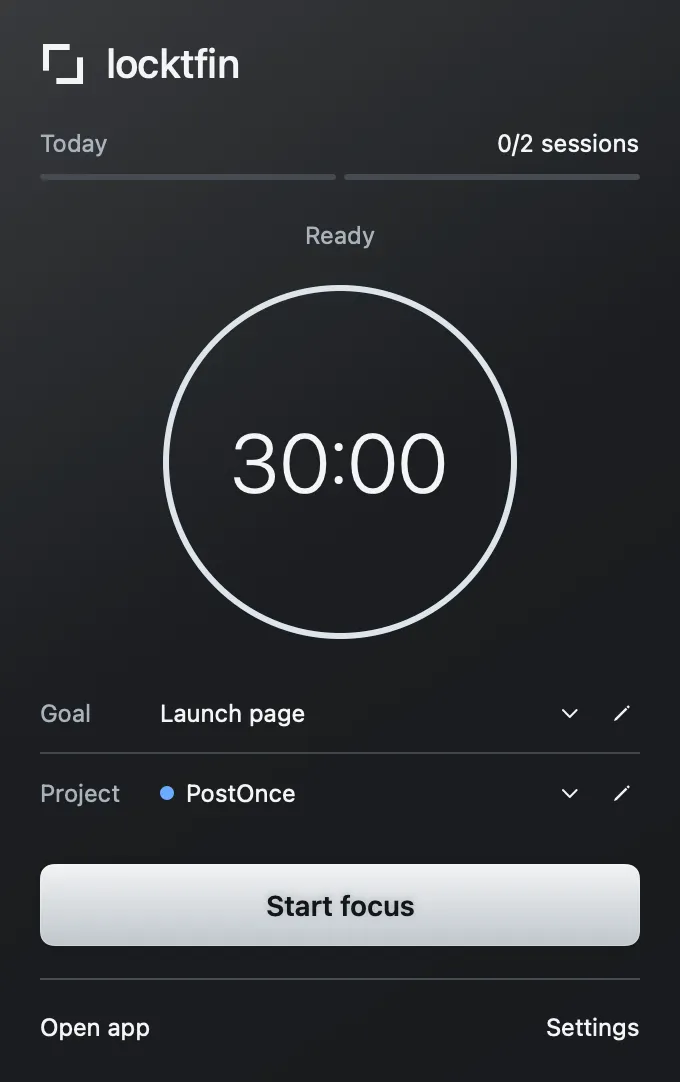
Focus without an internet connection
After initial online activation, use the focus timer, optional goals and projects offline on your eligible version. Start from the native app or menu bar.
Get locktfin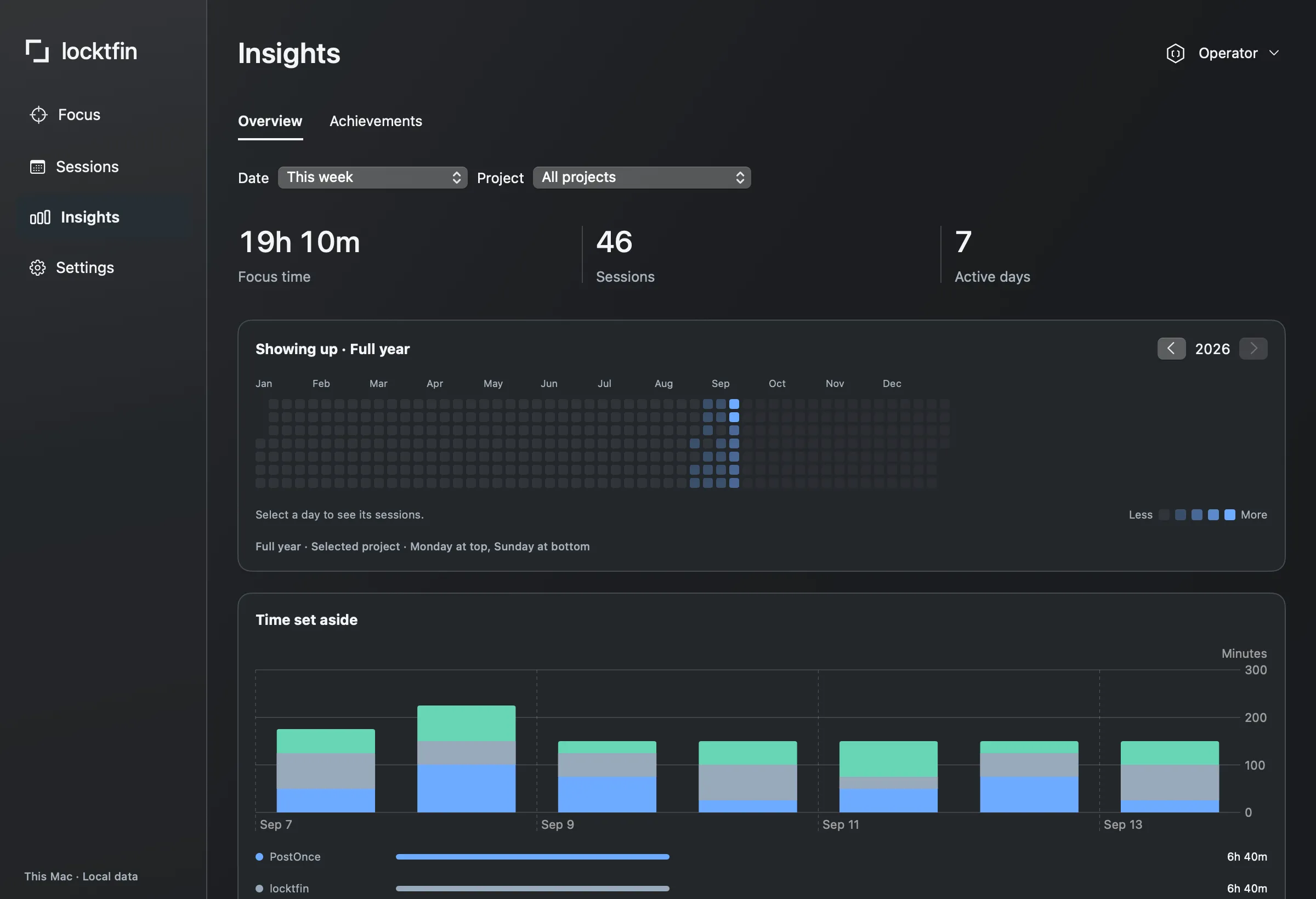
Keep your session history on your Mac
Review sessions and focus time by project without a hosted dashboard. Goals, history and settings stay local. The timer does not monitor apps or websites.
Get locktfinBefore you get locktfin
Can I use locktfin offline?
Yes. After initial online license activation, your eligible version can run focus sessions and use goals, projects, session history and Insights offline on your Mac.
Do I need internet to activate locktfin?
Yes. Download, purchase and initial license activation require an internet connection. Activate while you are online before your first offline focus session.
Will updates and connected assistants work offline?
They have their own connection requirements. Offline timer use does not make a connected assistant or online update service available offline. Your focus timer works independently of an assistant.
Buy once, with one year of updates and continued use of your eligible version. Requires macOS 14 or later and initial online activation.
Get locktfin